
Charging cable issues
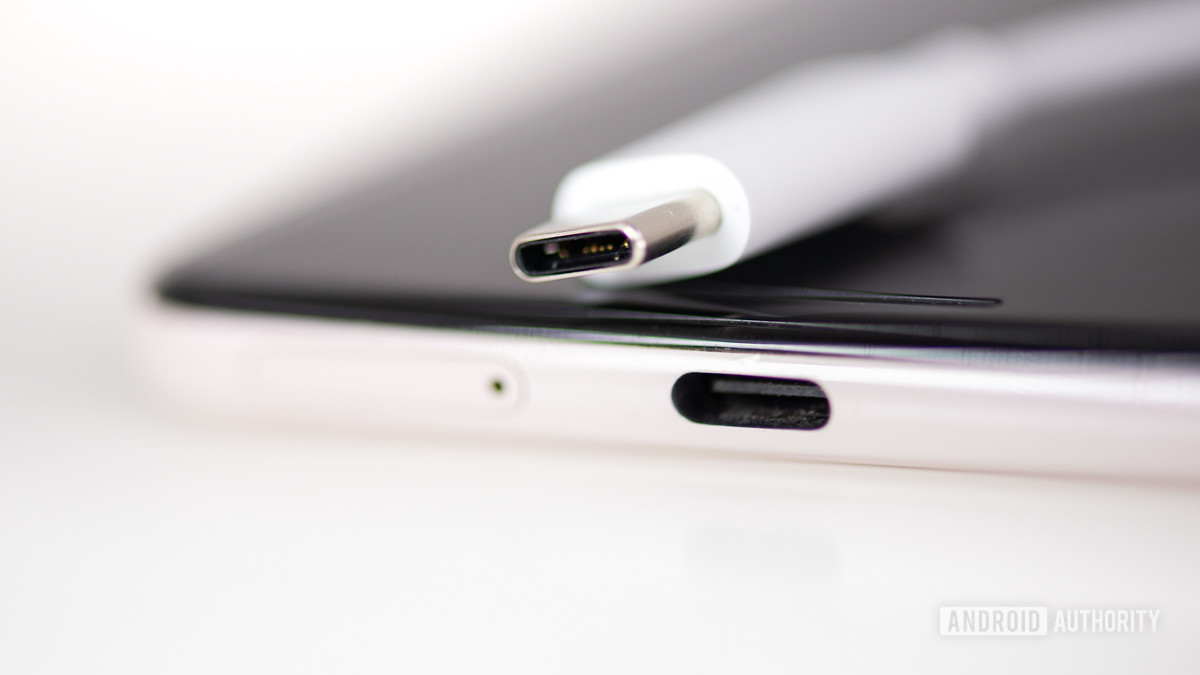 People face a lot of problems when it comes to the charging cables that come with a phone. This can range from slow charging speeds to being unable to transfer files from a PC and more.
Potential solutions:
- This might just be a problem with the charging cable itself. Make sure it works by charging other phones or devices. If the cable doesn’t work with anything, you will have to get a new cable.
- These issues are particularly prevalent with USB-C to USB-C cables. Some have found that using a USB-C to USB-A cable instead solves the problem. Of course, if you’re charger uses the former, you’ll need to get an alternate to use the latter type of cable with.
- For quite a few users, cleaning the USB-C port seems to do the trick. Fold a business card and gently clean out the port with a sharp edge. You can also use compressed air as long as the pressure intensity isn’t too high.
- An app could also be causing these issues. Boot the device in Safe Mode and see if the problem persists. If not, an app is creating the problem.
- If nothing seems to work, the USB port of the phone might be damaged. The only option then is to get the device repaired or replaced.


0 Comments
If you have any doubt, please let me know.